
Frequent JB goers probably already know about using QR codes to clear immigration gantries at the Woodlands and Tuas Checkpoints—though the take up for this method is still quite low, even though it’s faster than using your physical passport. But did you know that you can not only use this QR code clearance method as an individual, but also as a group?
@ica_singapore Use group QR code at the Special Assistance Lanes for faster and more convenient immigration clearance today! 🎥 SGT Fatin ASP Jian Kai 🎬 INSP Shi Wei SGT Asheera SGT Zafri #GuardiansOfOurBorders #SecureBordersSafeSG
TikTok: @ica_singapore
Yes, you can use 1 single QR code for families and groups of up to 4 persons using the dedicated Special Assistance Lanes (SALs). You can also scan your biometrics (facial and iris) together as a group, you don’t need to scan them individually. The procedure for using this group clearance method this is pretty simple, but you’ll need to have the MyICA mobile app to do so:
- Make sure you have downloaded the MyICA app on your mobile phone
- Before reaching the gantry at the checkpoint(s), create a group profile and generate your group QR code from the app
- Head to one of the automated SAL and self-scan your group QR code in lieu of presenting your passport(s)
- Stand together as a group to collectively scan your facial and iris to verify your identities
- Proceed to exit the lane after successful verification
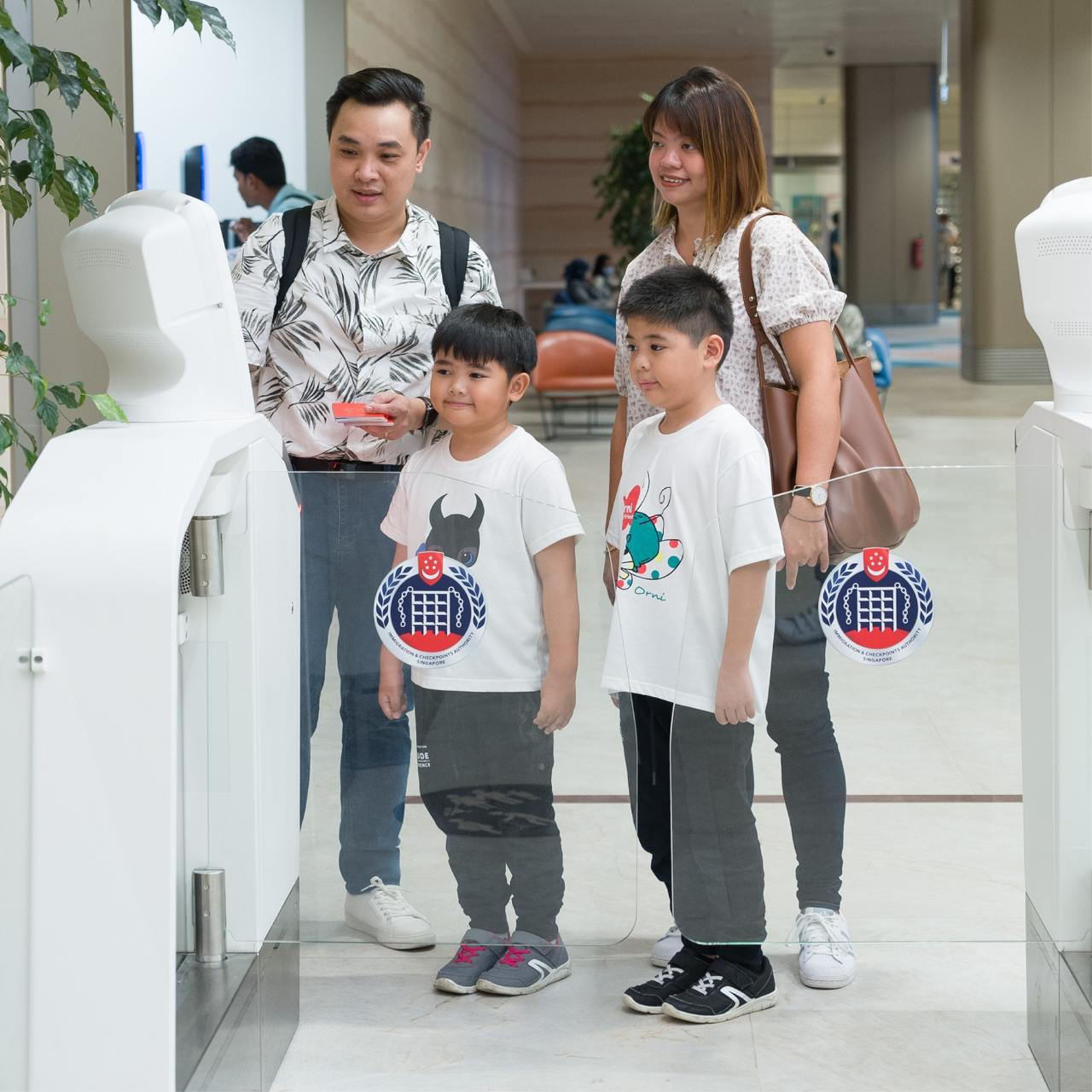
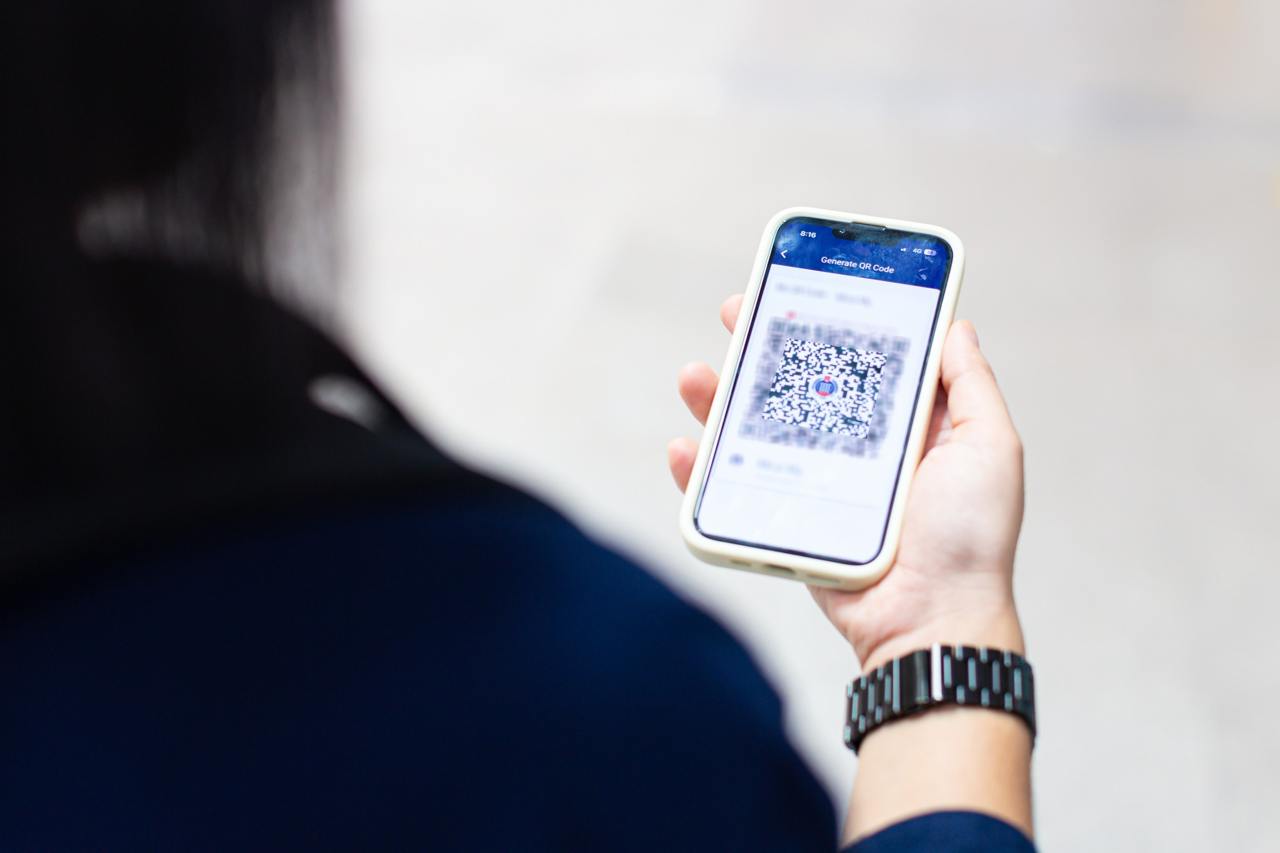
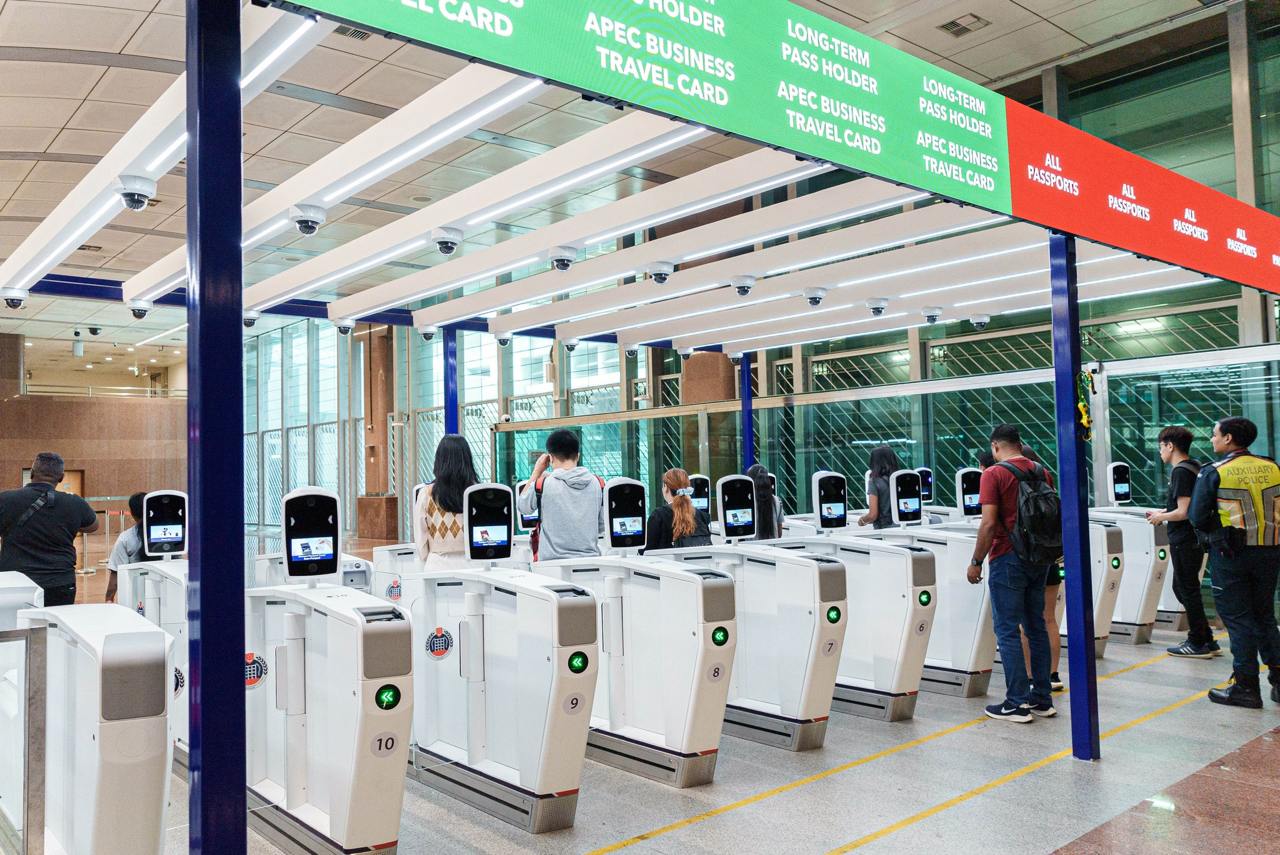
Image Credits: ICA Singapore
Images for illustration purposes only
With this group clearance system via QR codes, clearing immigration should be much faster. Those who have experienced this group system can testify that it is definitely much quicker clearing as a group; however there are also some who failed to clear as a group. In such cases, you will still need to revert to the original method of clearing immigration individually using your passports, so make sure you have your passport on hand at all times. For more information on using group QR codes, see here.